.png)
7 Mistakes You're Making with CRM Migration (and How Revenue Teams Actually Fix Them)
- Ricardo Vanegas
- Feb 10
- 5 min read

Here's the uncomfortable truth: 55% of CRM implementations fail (Johnny Grow, 2025). Not because the technology doesn't work, but because revenue teams migrate broken processes into new platforms and expect different results.
Most CRM migrations focus on what data to move.
The real question is which workflows, definitions, and integrations actually support revenue generation, and which are just legacy clutter that's burning budget.
We've guided dozens of companies through CRM migrations. The teams that succeed don't just move data: they use migration as a forcing function to fix their revenue operations foundation.
Here are the seven mistakes that sink migrations, and how revenue teams actually fix them.
Mistake #1: The Dirty Data Lift-and-Shift
You're migrating duplicate contacts, incomplete records, and inconsistent naming conventions straight into your new CRM. Every downstream automation, forecast, and dashboard will inherit that mess.
The stat: 76% of organizations report less than half of their CRM data is accurate (Validity, 2025). That's not a technology problem: it's an operational one.
The fix:
Audit before you migrate. De-duplicate records. Standardize field formats. Archive contacts that haven't engaged in 18+ months.
Before Migration | After Data Cleanse |
47,000 contact records | 22,000 active, verified contacts |
14 naming conventions for industries | 1 standardized taxonomy |
8,200 duplicate company records | 3,100 unique accounts |
62% incomplete phone/email fields | 89% field completeness |
Less data, better data. That's the foundation for reliable automation and forecasting.
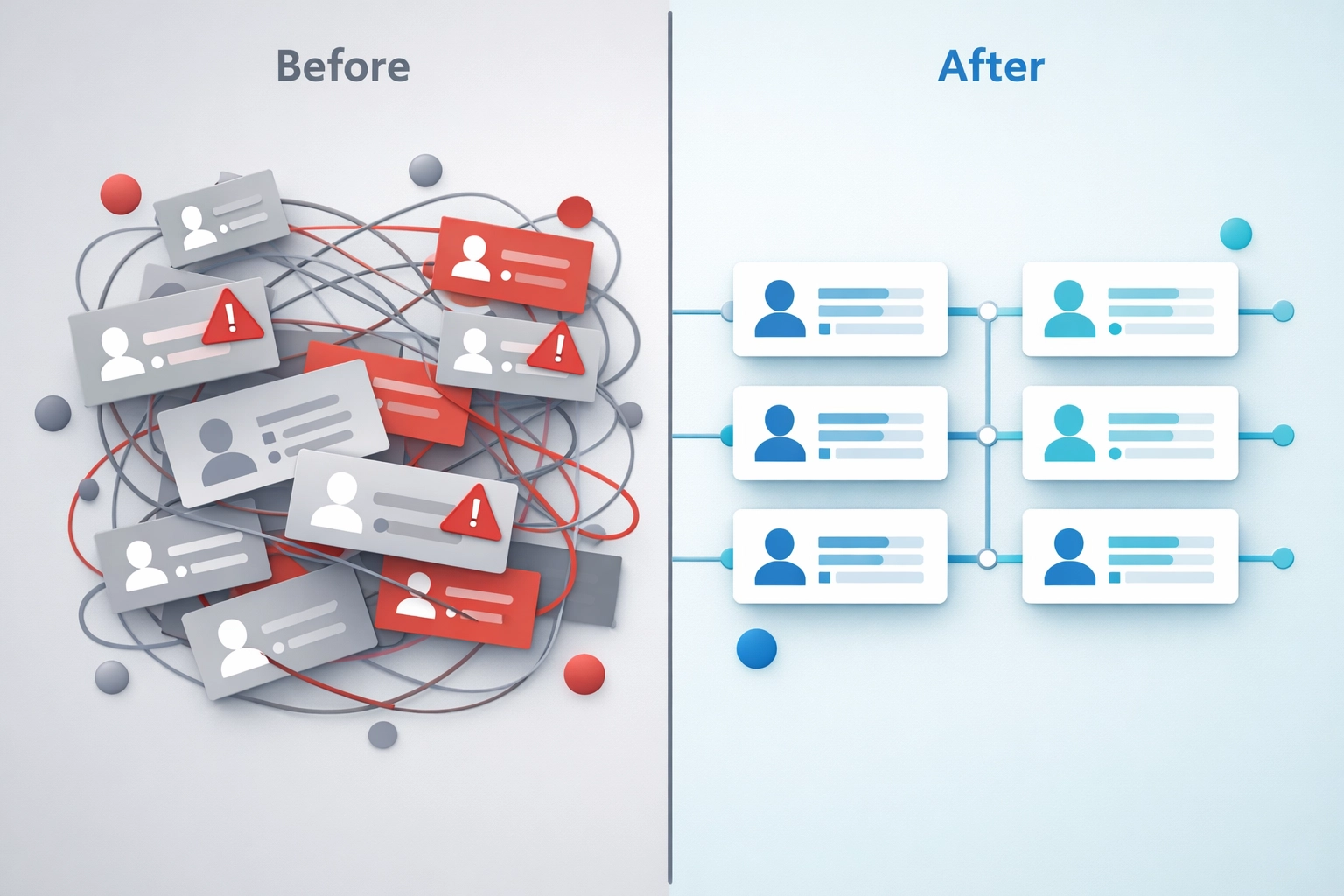
Mistake #2: No Clear Strategy: The "Tool First" Trap
Teams select a CRM based on features, then determine how it fits their go-to-market strategy. It's backwards.
Your CRM should reflect how buyers move through your pipeline, how sales and marketing hand off leads, and how customer success drives retention. If you don't define those workflows first, you're just building a database.
The fix:
Document your revops framework before you configure anything:
✅ Stage definitions: What qualifies a lead as MQL vs. SQL? What moves a deal to "Negotiation"? ✅ Handoff criteria: When does marketing pass a lead to sales? When does sales engage CS? ✅ Data governance: Who owns field accuracy? How do reps log activities?
Run cross-functional workshops with sales, marketing, and CS. Get alignment on definitions. Build the CRM around actual revenue workflows: not the other way around.
Mistake #3: Over-Customization and Technical Debt
You migrate every custom field, workflow, and automation from the old system. Most of it hasn't been used in two years.
The result: bloated page layouts, 80+ custom fields per object, workflows that trigger other workflows that no one remembers building. Your new CRM is slower, messier, and harder to adopt than the old one.
The fix:
Validate every workflow before migration. Ask:
Does this support an active revenue process?
Has anyone used this field in the last 90 days?
Do reps actually understand what this automation does?
Archive what doesn't pass. Reset unused fields. Rebuild only what drives pipeline or forecast accuracy.
Real-world example: One client had 120 custom fields on their Opportunity object. After audit, we migrated 34. Reps could finally find the fields that mattered.
Mistake #4: Ignoring User Adoption (The Silent Killer)
Your migration project plan allocates 80% of budget to data and integrations, 20% to change management. Then you wonder why reps still keep opportunity notes in spreadsheets.
CRM implementation is a people problem disguised as a technology project.
The fix:
Flip the ratio. Allocate 30% of timeline and budget to change management.
Change Management Checklist ☐ Identify power users for pilot testing ☐ Create role-specific training (AE vs. SDR vs. CSM) ☐ Document quick-win scenarios that show immediate value ☐ Build feedback loops in first 30 days post-launch ☐ Tie activity logging to compensation visibility (where relevant)
Teams adopt when they see a clear benefit. Show them how the new CRM makes quota attainment easier, not harder.

Mistake #5: IT-Only Focus (Missing RevOps Alignment)
IT leads the migration. They focus on uptime, security, and data transfer. Revenue operations: the team that owns pipeline hygiene, forecast accuracy, and cross-functional workflows, sits on the sidelines.
The result: a technically functional CRM that doesn't support how revenue teams actually work.
The fix:
RevOps drives the migration. IT supports it.
IT-Led Migration | RevOps-Led Migration |
Focus: System stability | Focus: Revenue workflow accuracy |
Success metric: Data migrated | Success metric: Pipeline visibility + forecast reliability |
Stakeholders: IT, vendor | Stakeholders: Sales, Marketing, CS, Finance, IT |
Post-launch: "System is live" | Post-launch: "Revenue teams are logging accurate data" |
RevOps ensures the CRM reflects actual buyer journeys, team handoffs, and reporting needs. That's how migrations drive revenue impact: not just technical completion.
Mistake #6: Integration Silos
Your CRM doesn't live in isolation. It's connected to marketing automation, billing systems, customer success platforms, and financial tools.
Teams migrate the CRM without mapping these dependencies. Post-launch, renewal data doesn't sync, marketing attribution breaks, and finance can't reconcile closed deals.
The fix:
Map every integration flow before migration:
Which systems send data into the CRM?
Which systems pull data from the CRM?
What field dependencies exist across platforms?
Test integration flows in staging before go-live. Validate that pipeline stages, deal values, and customer health scores sync correctly across your revenue tech stack.
Revenue impact: 37% of organizations lose revenue due to data quality issues (Validity, 2025). Most of that stems from integration breakdowns between CRM and billing or success platforms.
Mistake #7: No Post-Launch Plan
You flip the switch. The migration is "done." Then data hygiene degrades, reps revert to old habits, and within six months you're back where you started.
The fix:
Build a 90-day post-launch roadmap:
Days 1-30: Daily check-ins with power users. Fix adoption blockers immediately. Monitor data logging accuracy.
Days 31-60: Audit field completeness and pipeline hygiene. Adjust workflows based on real usage patterns.
Days 61-90: Lock in governance rhythms. Weekly pipeline reviews. Monthly data quality audits. Quarterly process validation.
Migrations don't end at go-live. They end when revenue workflows run reliably without constant intervention.

How Revenue Teams Actually Fix This: The Delogik 3-Phase Methodology
At Delogik, we don't start with technology. We start with revenue operations foundations.
Phase 1: Insight Mining
Before we touch your CRM, we audit:
Current pipeline definitions and stage progression accuracy
Data quality across key revenue objects (Accounts, Contacts, Opportunities)
Integration dependencies and workflow triggers
Team alignment on lead lifecycle, qualification criteria, and handoffs
Outcome: A clear map of what's broken, what's working, and what revenue workflows the new CRM must support.
Phase 2: Direction Design
We design your gtm strategy framework first, then configure the CRM to support it:
Standardized pipeline stages that match actual buyer journeys
Field mapping with transformation logic (not just data dump)
Integration architecture that maintains data integrity across platforms
Change management plan with role-specific training and adoption metrics
Outcome: A CRM blueprint built around revenue generation: not legacy workflows.
Phase 3: Execution Integration
Migration execution with validation at every step:
Phased data migration with testing cycles
Integration deployment with pre-launch validation
User onboarding with quick-win documentation
90-day governance roadmap to lock in long-term adoption
Outcome: A CRM that revenue teams actually use, that produces reliable forecasts, and that scales with your go-to-market motion.
Final Thought
CRM migrations fail when teams treat them as IT projects. They succeed when revenue leaders use them as a forcing function to fix operational foundations.
The companies that get this right don't just migrate data: they rebuild their revenue operations framework with clean definitions, validated workflows, and cross-functional alignment. That's how you turn a CRM from a contact database into a revenue engine.
If your CRM migration keeps getting delayed because "the data isn't ready" or "teams aren't aligned," you're not facing a technology problem. You're facing a revenue operations problem.
Fix that first. The migration becomes straightforward. Book a free consultation with us.